
Drain The Ice Lake Controls Guide
Stop fighting the camera and start breaking ice cleanly.
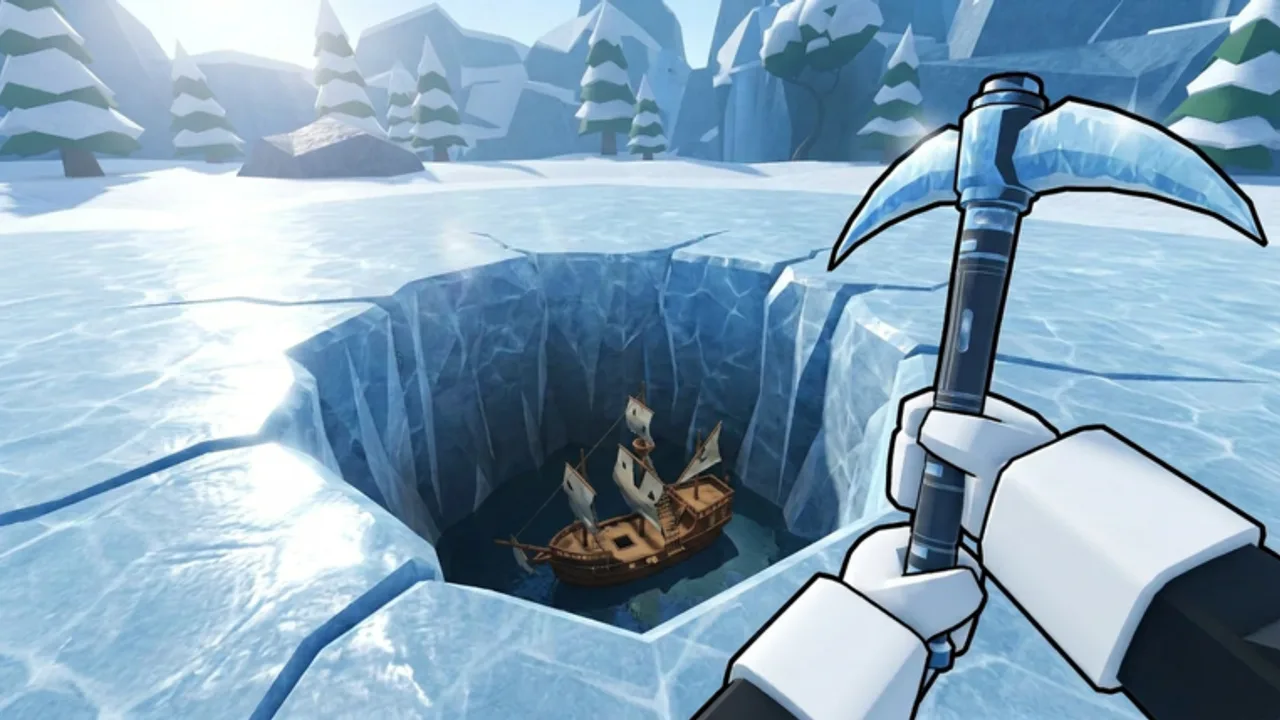
Clean controls make Drain The Ice Lake feel snappy; messy inputs make the freeze feel unfair. This page documents the practical Roblox control patterns you need for ice work, menus, and deeper digs.
Desktop defaults
| Action | Typical input |
|---|---|
| Move | WASD |
| Jump | Space |
| Camera | Mouse |
| Interact / use tool | E or left click (context-dependent) |
| Open menus / upgrades | On-screen buttons / hotkeys shown in UI |
Roblox experiences sometimes remap interact prompts. If a prompt appears, prefer the on-screen key over memorized assumptions from other games.
Mobile defaults
| Action | Typical input |
|---|---|
| Move | Virtual joystick |
| Jump | Jump button |
| Camera | Drag |
| Interact | Tap prompt |
On mobile, keep thumbs clear of the Skill Tree button when you only meant to rotate the camera. Landscape mode often helps during long digs.
Ice-breaking comfort tips
- Stand where the break interaction is reliable before holding input.
- Avoid sprinting in circles while the action charges — plant, break, reposition.
- After upgrades from the Skill Tree, relearn timing; faster breaks change your rhythm.
- When you unlock optional movement tools like the Snow Scooter, practice in a safe solo patch before deep runs.
Menu navigation hygiene
Open the Skill Tree between Token spikes, not mid-animation if the client drops inputs. Leave the Codes UI alone until codes exist — hunting phantom menus wastes time. After shopping, return to ice immediately using habits from How to Play.
Accessibility and performance
Lower graphics if camera stutter ruins interact timing. On low-end devices, reduce player count distractions by staying solo (Solo Saves already recommends this). Remap Roblox movement in system settings if you need left-handed layouts.
Practice course
Spend five minutes on the surface doing nothing but break → short move → break. Then buy one upgrade from the early-game build and repeat. Muscle memory here pays off in Dig Deeper layers where mistakes cost more time.
Related pages
Controls will not rescue your friends alone, but bad controls can stop you from ever reaching them. Master the basics, then let the Skill Tree multiply every clean input.
Input troubleshooting ladder
- Confirm the Roblox window is focused.
- Close overlapping Skill Tree or shop menus.
- Reposition until the ice interact prompt is stable.
- Toggle shift-lock if camera fighting occurs on PC.
- Soft rejoin the same solo server if inputs feel ghosted.
- Lower graphics if frame time spikes delay clicks on older devices.
Write your personal comfort settings next to the Getting Started plan. Controls are boring until they break a deep run — then they decide whether Dig Deeper happens tonight. Practice them while the surface layer is still forgiving and Tokens are cheap to reclaim.
Controller and accessibility extras
If you use a controller on PC, remap dig confirm to a bumper you can hold without drifting the stick. Players with sore hands should prefer shorter solo bursts and the checklist tool rather than marathon click sessions. Write your own three-rule control card and keep it beside the Upgrade Priority habit.
Field note 1
Compare your notes with one trusted friend who also plays Drain The Ice Lake on place ID 137627848998441, and ignore cross-posted advice from the phone-recovery lake game. Before you close Roblox, tick or refuse a checkbox on the progression checklist so the session has a written verdict instead of a vague memory.
Frequently Asked Questions
Quick answers about Drain The Ice Lake on Roblox.
What are the Drain The Ice Lake controls on PC?
Use standard Roblox movement (WASD, Space, mouse look) and on-screen prompts for ice interaction and menus.
Does mobile use different mechanics?
Mechanics match PC; only the touch layout changes. Landscape helps during long sessions.
Why is my interact button not working?
Reposition to the ice prompt, check UI overlays, and ensure you are not in a menu. Soft rejoin if the client stalls.
Do gamepasses change controls?
Movement gamepasses can add new traversal options. Learn default controls first, then optional tools.